Per-Instance Payloads
Instanced batching draws thousands of objects in one call, but if every object needs a different color, and color comes from a uniform, you're forced to break the batch to set that uniform. Payloads solve this. A payload is a block of arbitrary per-instance floats (a color, a set of skinning weights, whatever your shader wants) that travels alongside the transform as a vertex attribute. No uniforms, no broken batches.
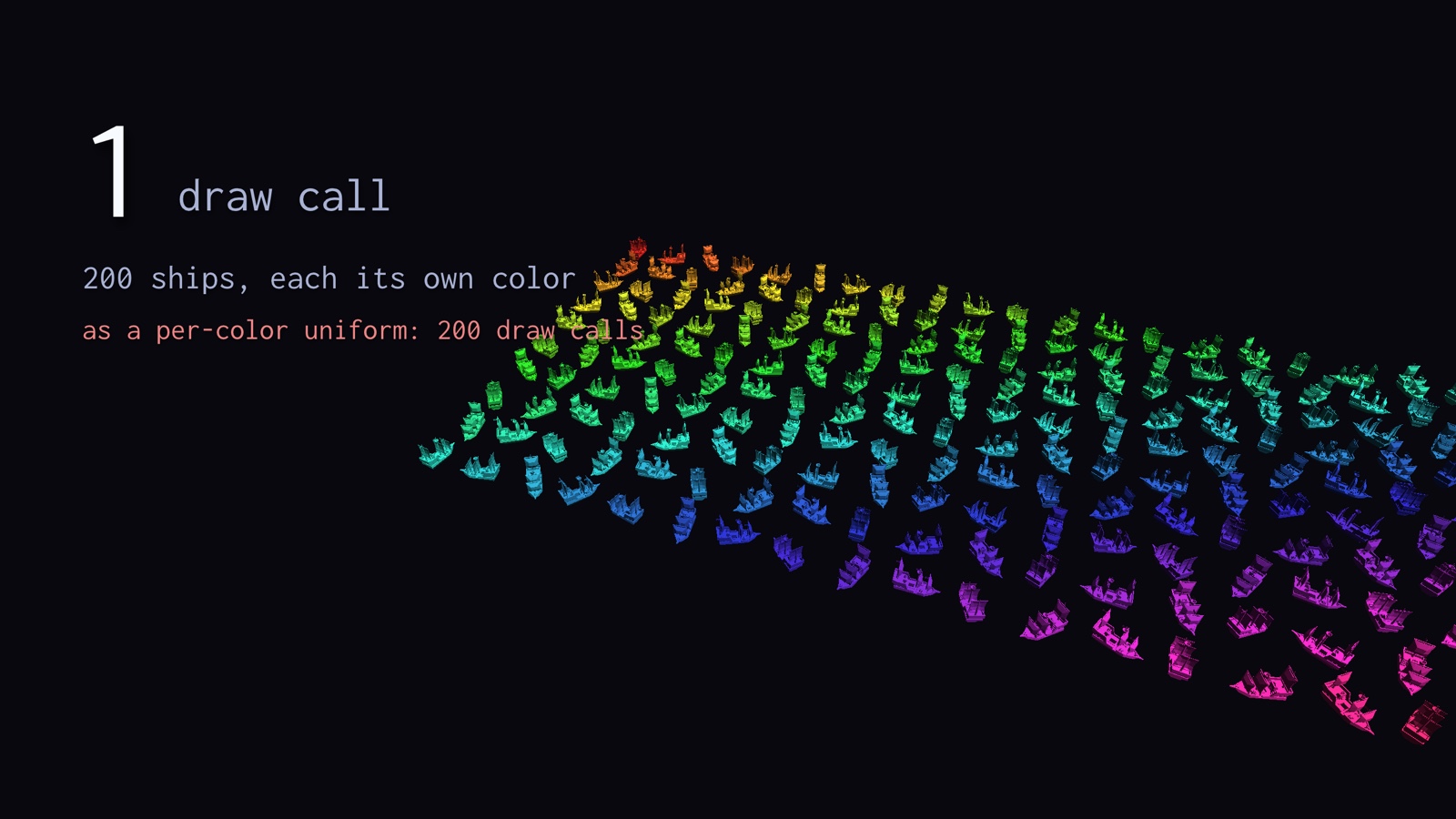
Every one of those 200 ships carries its own color, yet the whole grid is a single draw call. Had that color come from a uniform, you would have paid one draw call per color: 200 of them. The color instead rides along as a per-instance vertex attribute, so the batch never has to break.
Let's wire up per-instance color, the way examples/10_drawcall_assembler_with_payload.php does. You can run that demo yourself:
# per-instance colors via payload attributes (50k instances)
php examples/10_drawcall_assembler_with_payload.php
Reading the Payload in Your Shader
First, your shader reads the instanced transform and the payload as vertex attributes. The transform matrix occupies four consecutive locations (2 to 5), so the color payload starts at location 6:
#version 330 core
layout (location = 0) in vec3 a_position;
layout (location = 1) in vec3 a_normal;

// transform matrix (instanced), occupies locations 2, 3, 4, 5
layout (location = 2) in mat4 i_transform;

// per-instance color (instanced payload), location 6
layout (location = 6) in vec3 i_color;

// ...
The attribute locations line up like this: your mesh owns the low locations, the assembler drives the transform across the next four, and your payload picks up right after.
graph LR
  subgraph mesh["per-vertex, your mesh VBO"]
    L0["location 0: position"];
    L1["location 1: normal"];
  end
  subgraph inst["per-instance, driven by the assembler"]
    L2["locations 2 to 5: transform mat4"];
    L6["location 6: payload, e.g. color"];
  end
Filling and Binding the Payload
On the PHP side you fill a FloatBuffer with one payload entry per instance, in submission order, and tell the assembler how many floats each entry has:
use GL\Buffer\FloatBuffer;

$payloadBuffer = new FloatBuffer();
foreach ($asteroids as $asteroid) {
    // push 3 floats (RGB) per instance, matching submission order
    $payloadBuffer->pushArray([$asteroid->r, $asteroid->g, $asteroid->b]);
}

// 3 floats per instance
$assembler->bindPayloadData($payloadBuffer, 3);
Then, during setup, wire the attributes onto each VAO. bindTransformBuffer returns the next free attribute location so you don't have to count by hand, and bindPayloadBuffer sets up the payload attribute:
// transform goes to locations 2,3,4,5; returns 6, the next free location
$assembler->bindTransformBuffer($vao, 2);

// payload (color) goes to location 6
$assembler->bindPayloadBuffer($vao, 6);
Drawing
Finally, build or execute as usual. The assembler shuffles your payload into the same sorted, culled order as the instances, so i_color always lines up with the right object, even after culling reorders everything:
$assembler->execute(function (int $meshHandle, int $materialId, int $instanceOffset, int $instanceCount, int $flags) use ($meshRegistry) {
    glBindVertexArray($meshRegistry[$meshHandle]['vao']);
    // no per-instance material uniform needed, color rides along as a vertex attribute
});
Warning
Call bindPayloadData() (to register the buffer and stride) and bindPayloadBuffer() (to set up the attribute) after bindTransformBuffer(), and set up the payload attribute before your draws. If you regenerate the payload buffer mid-run, call bindPayloadData() again so the assembler picks up the new data. Passing a stride of 0 to bindPayloadBuffer() reuses the stride you gave bindPayloadData().